


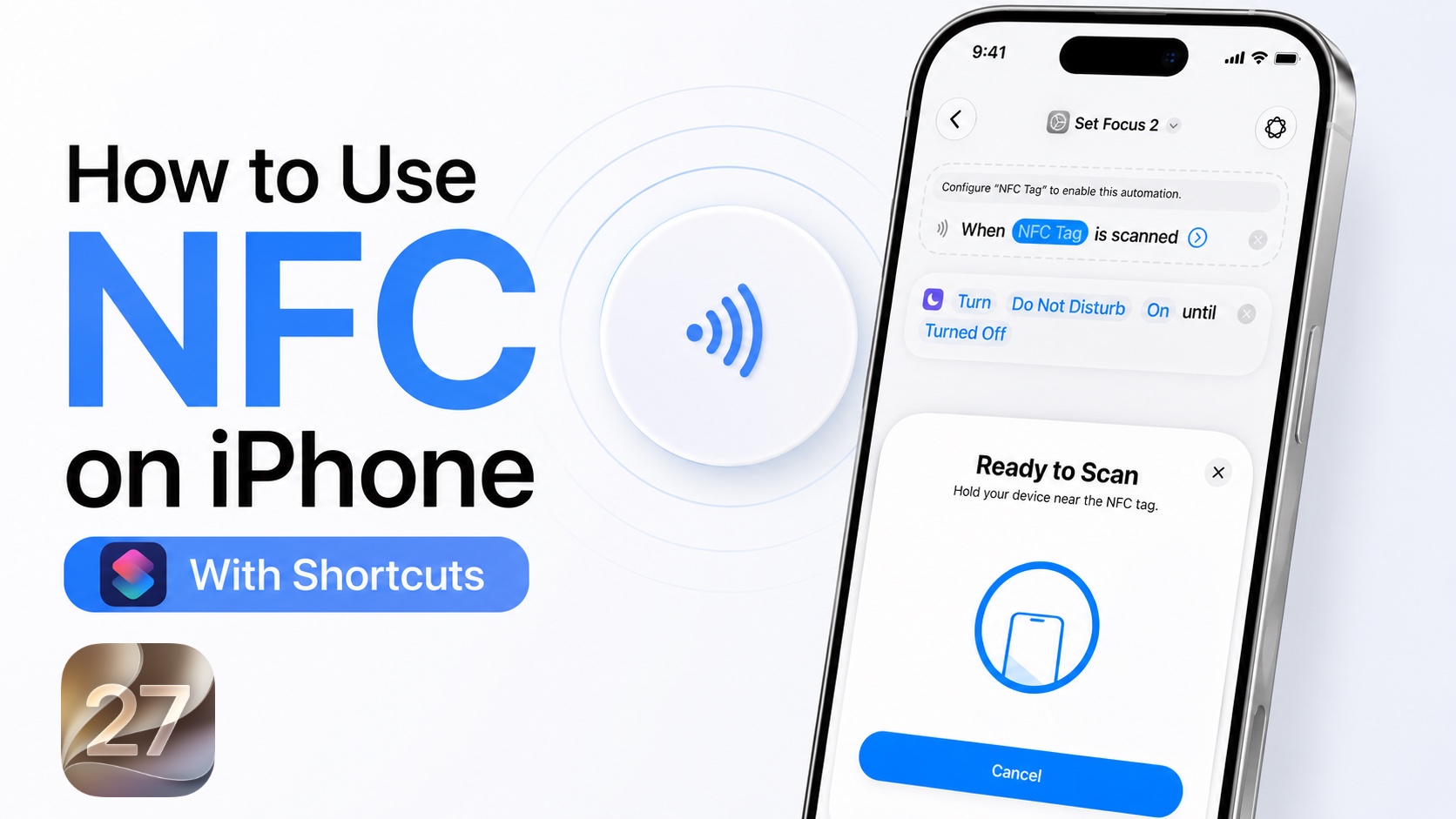
Do you know you can use NFC tags to trigger actions and perform almost any automation on yoru iPhone? In this guide, we will show you how you can set up and use Shortcut Automations with NFC tags on devices running iOS 27 or later.
You can use NFC tags to trigger automations and actions like controlling smart home accessories, enabling Focus mode, launching a website or app, send a message, and perform multiple actions at once.
This tutorial is performed on iOS 27. If you are running an older version of iOS, then you can follow our guide here.
For this you will need NFC tags. You can purchase inexpensive NFC tags here if you don’t have them already.
- Launch the Shortcuts app.
- Go back to the Library page and tap on Automation.
- Here, tap on ‘+’ button and then tap on the Edit button from top-right corner.
- On the list of Automations tap on Search bar and type NFC. Tap on the NFC option from the search results.
- After adding the NFC automation, next to ‘When’ tap on the ‘NFC tag’ text and then scan your NFC tag to add it.
- Once the tag has been recognized and added, tap pon the search bar again.
- Now add action of your choice, like Set Focus. You can also choose other actions if you like.
- Tap on the arrow button on the NFC action and make sure Automation toggle is enabled. You can also enable the Notify toggle if you like.
- Return to the main page by tapping on the return button. Your NFC automation is now ready.
You can now test the NFC automation that you have just created. Hold the top of your iPhone near the NFC tag you just registered. Your iPhone should recognize the tag and trigger the automation.
The possibilities of what you can do with NFC tag automation on your iPhone are endless. For example you can create a going to bed automation and perform multipel actions like Turn on Sleep Focus, Set iPhone volume turn off smart lights, and start sleep playlist all by simply scanning an NFC tag placed beside your bed.
The possibilities depend on the actions available in Shortcuts and the apps connected to your iPhone. The Shortcuts app is designed to combine multiple actions into a single shortcut or automation.


