


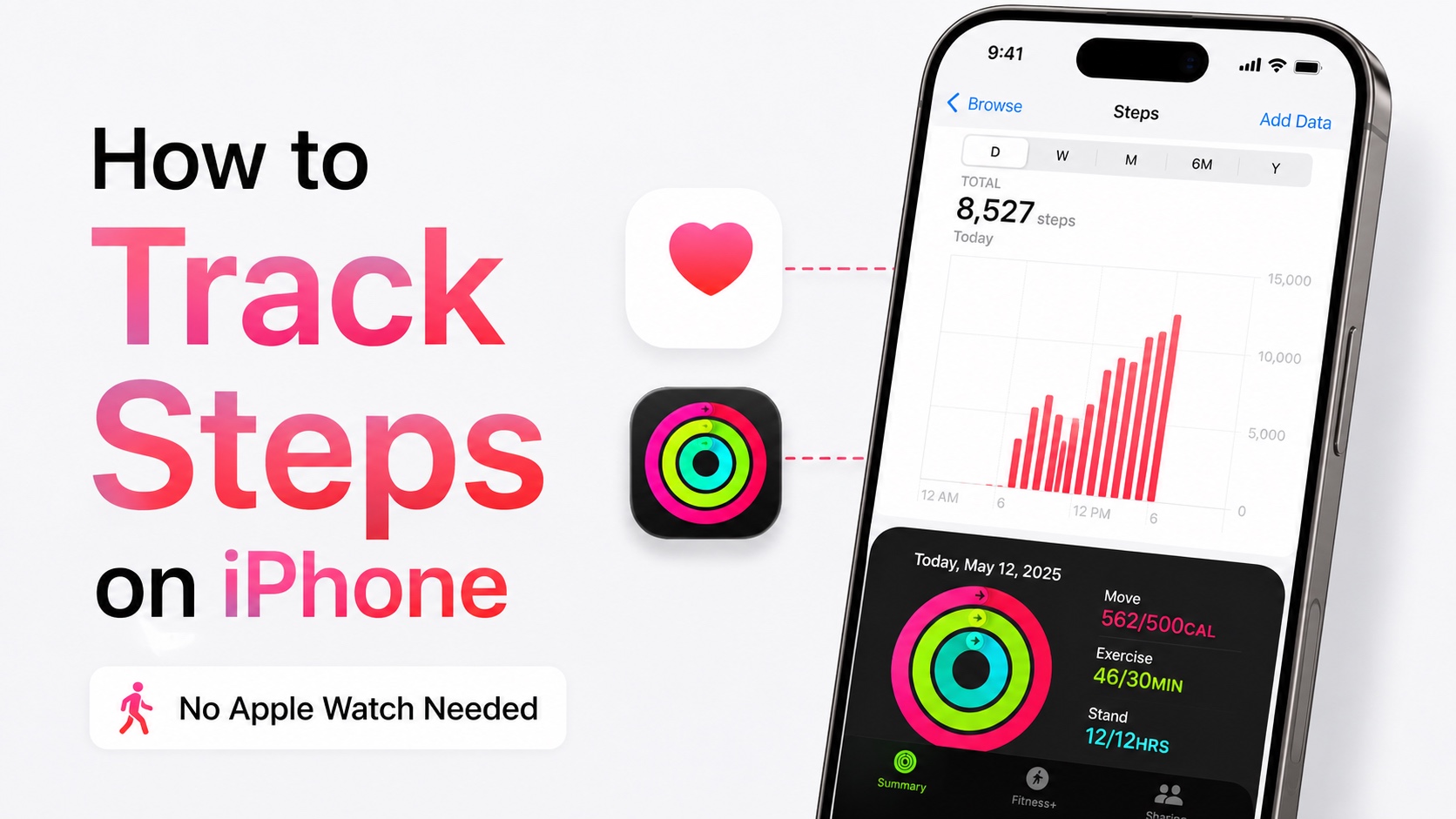
Many iPhone users don’t know that their iPhone can track their daily steps and distance walked automatically without them turning anything on or starting a workout from their iPhone.
The best part? You don’t need an Apple Watch to track steps on iPhone, as the feature works independently and natively on the device.
iPhone can automatically count your steps and walking distance using its built-in motion sensors, and you can view that information in the Fitness and Health apps.
In this guide, we will show you how you can track steps on iPhone without an Apple Watch and view your tracked data.
Remember, you will need to carry your iPhone with you for it to be able to record your step count.
Track Steps using Fitness App
The Fitness app on your iPhone can track steps for you and even let you start a workout right from your iPhone. Here’s how you can do it.
- Open the Fitness app or download it from the App Store if you don’t have it.
- Now tap on the Summary tab at the bottom.
- Here, tap on Step Count.
- On this page, you can view detailed information about your activity and check walking data for different time periods.
Track Steps using Health App
You can also view your walking steps and distance walked data from the Health app.
- Launch the Health app on your iPhone.
- Tap on the Browse button at the bottom of the screen.
- Tap on Activity.
- Now select Steps.
Here you will see your recorded step count. You can switch between different time periods to see how many steps you have taken over a day, week, month, or year.
Fitness vs. Health: Which app should you use?
The good news is, you don’t have to choose either one of these apps. iPhone automatically records your step count and adds this information to the Fitness and Health apps. So you can open any of these apps and view this data. Both apps can work with the activity data collected by your iPhone.
Must read: Best Activity Trackers for iPhone Users


