


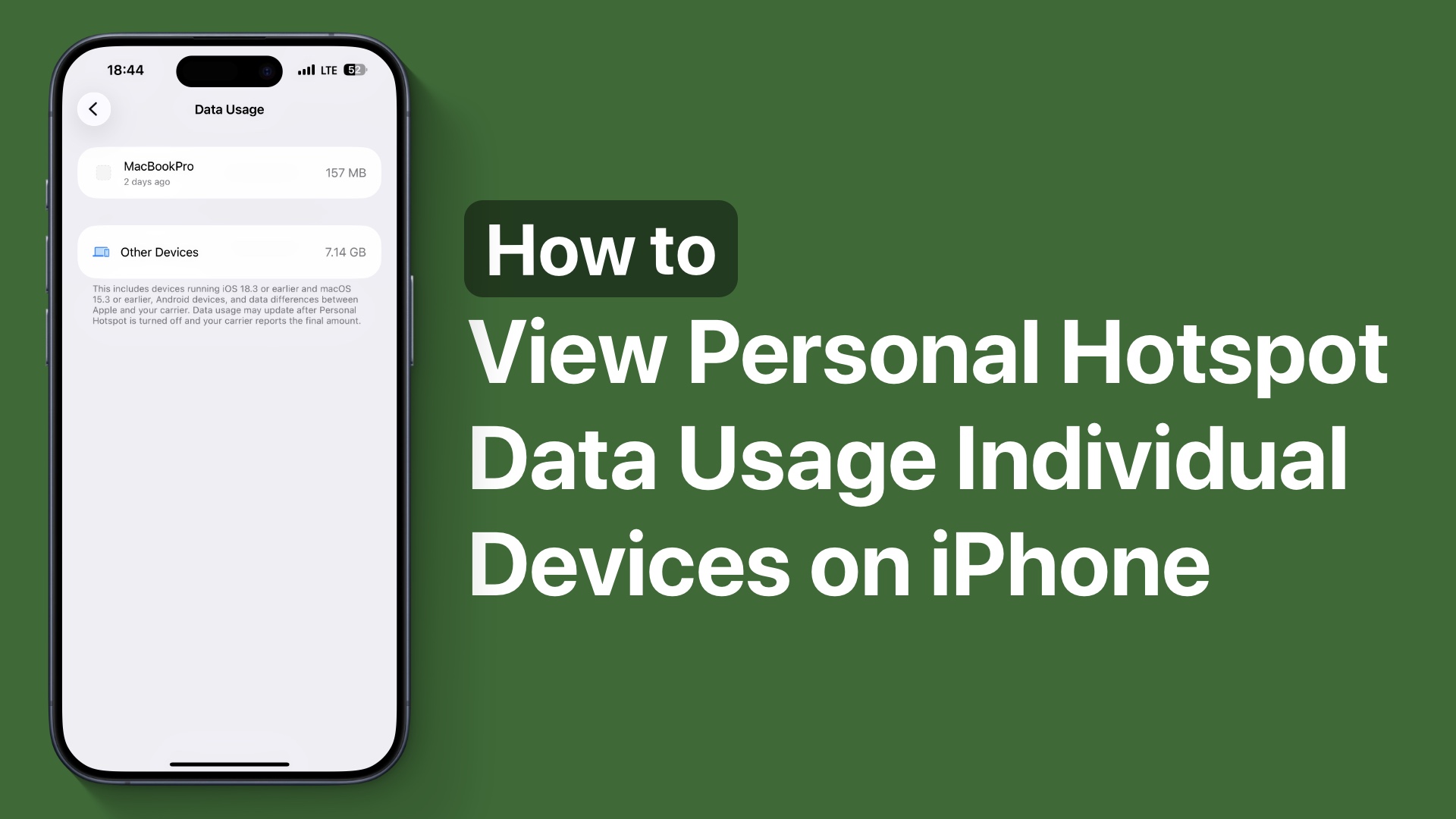
Do you know you can see how much data has been used by other devices using your iPhone’s Personal Hotspot feature?
Starting iOS 26.4 and later, iOS now displays the exact amount of data usage by each device that has connected to your Personal Hotspot. This includes other iPhones, iPads, Macs, and even Android devices.
Previously, iOS only showed you the total Personal Hotspot usage. However, now it breaks it down and reveals the data for individual devices, which is really cool and useful.
See Personal Hotspot Data Usage for Individual Devices
To see the Personal Hotspot data usage of individual devices that have connected to your iPhone’s network, follow these steps:
- First, unlock your iPhone and open the Settings app.
- Next, tap on the Personal Hotspot option.
- If you don’t see it on the main page, then tap on Cellular and then tap on Personal Hotspot from there.
- Once you are on the Personal Hotspot screen, tap on the Data Usage option.

This will take you to your Data Usage report, where you can see all the devices that have used your iPhone’s Personal Hotspot, along with their names.
This is a neat little feature that will help you understand which devices are using your iPhone’s Personal Hotspot and how much data they are consuming.
iPhone will show data usage for devices running iOS 18.3 or later and macOS 15.3 or later. For older devices, the data usage will be shown under the “Other devices” section.


