


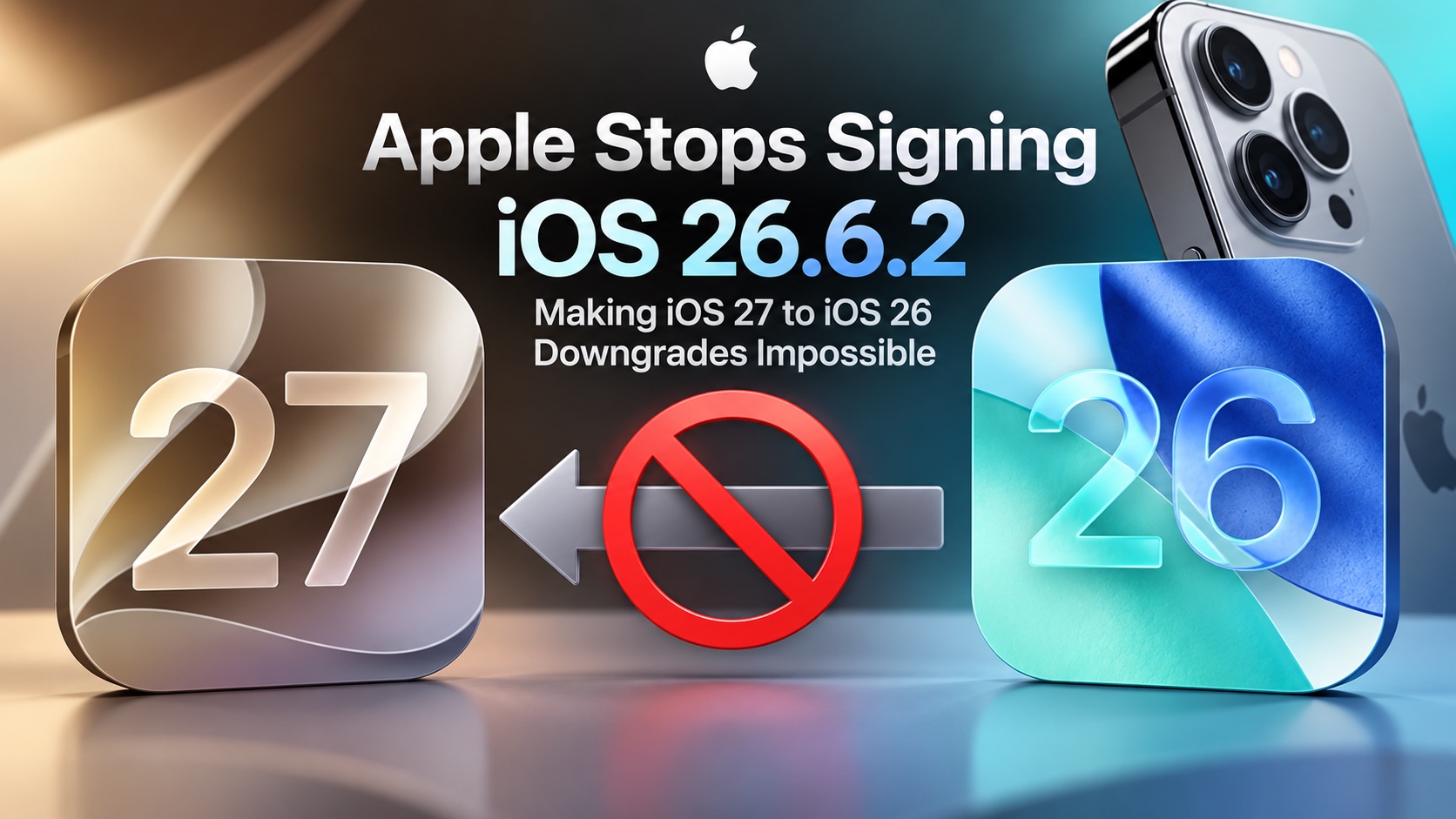
Apple has just stopped signing iOS 26.6.2 and iPadOS 26.6.2 updates. This means you can no longer downgrade your iPhone or iPad to iOS 26 if you have upgraded it to iOS 27.
Now that Apple has stopped ‘signing’ iOS 26.6.2, users can no longer use Finder or iTunes to downgrade their devices.
Apple does a server-side verification after which an iOS version is restored on the device. Since Apple has stopped signing or authenticating iOS 26.6.2, those wishing to go back to iOS 26.6.2 are blocked from doing so.
Users who are still running iOS 26.6.2 or older can continue using their device on this older version. However, if you were planning on going from, say, iOS 26.4 to iOS 26.6.2, you will no longer be able to do so.
Users running iOS 26.6.2 or earlier can still install the iOS 26.7 update over the air, as long as they have not already upgraded to iOS 27.
Interestingly, while Apple is still signing iOS 26.7, it has not released an iOS 26.7 IPSW for the update. This means iOS 26.7 can only be installed over the air on devices that are on iOS 26.6.2 or lower. As a result, users cannot use an IPSW to downgrade from iOS 27 to iOS 26.7.
You can check the latest iOS Signing Status here.


