


Choosing the right mouse for your MacBook Neo can make a huge difference in your productivity. While the built-in trackpad in the new MacBook Neo is great, many people prefer the comfort and precision offered by a good mouse.
Table of Contents
There are plenty of macOS-compatible mice for MacBook Neo. We have rounded up the best mice for MacBook Neo users that offer a balance of performance, design, and a budget-friendly price.
Budget Mice for MacBook Neo
1. Apple Magic Mouse
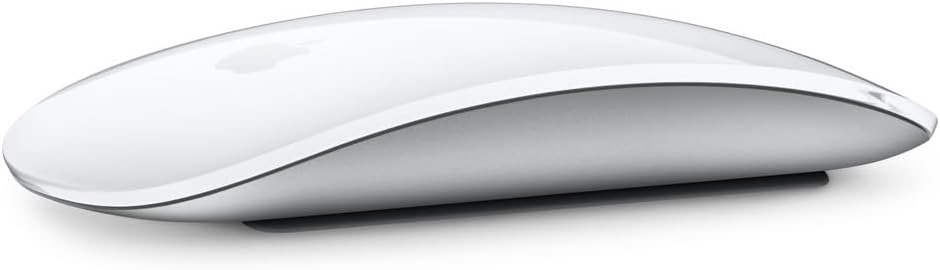
There is something instantly satisfying about the feel of the Apple Magic Mouse. It moves with a kind of quiet confidence, gliding across the desk so smoothly that it almost disappears into the experience. The design is sleek and minimal, but it is not just about looks. Every curve feels intentional, every movement effortless.
Instead of traditional buttons, it responds to touch in a way that feels natural after just a few minutes. A gentle swipe lets you move between pages, while a light scroll carries you through documents without interruption. It turns simple actions into something fluid and intuitive, making everyday tasks feel a little more seamless.
For anyone looking for the best mouse for MacBook Neo, this one stands out without trying too hard. It blends design and function in a way that feels effortless, making it less of an accessory and more of a natural extension of the device it is paired with.
2. Logitech M240 Silent Bluetooth Mouse
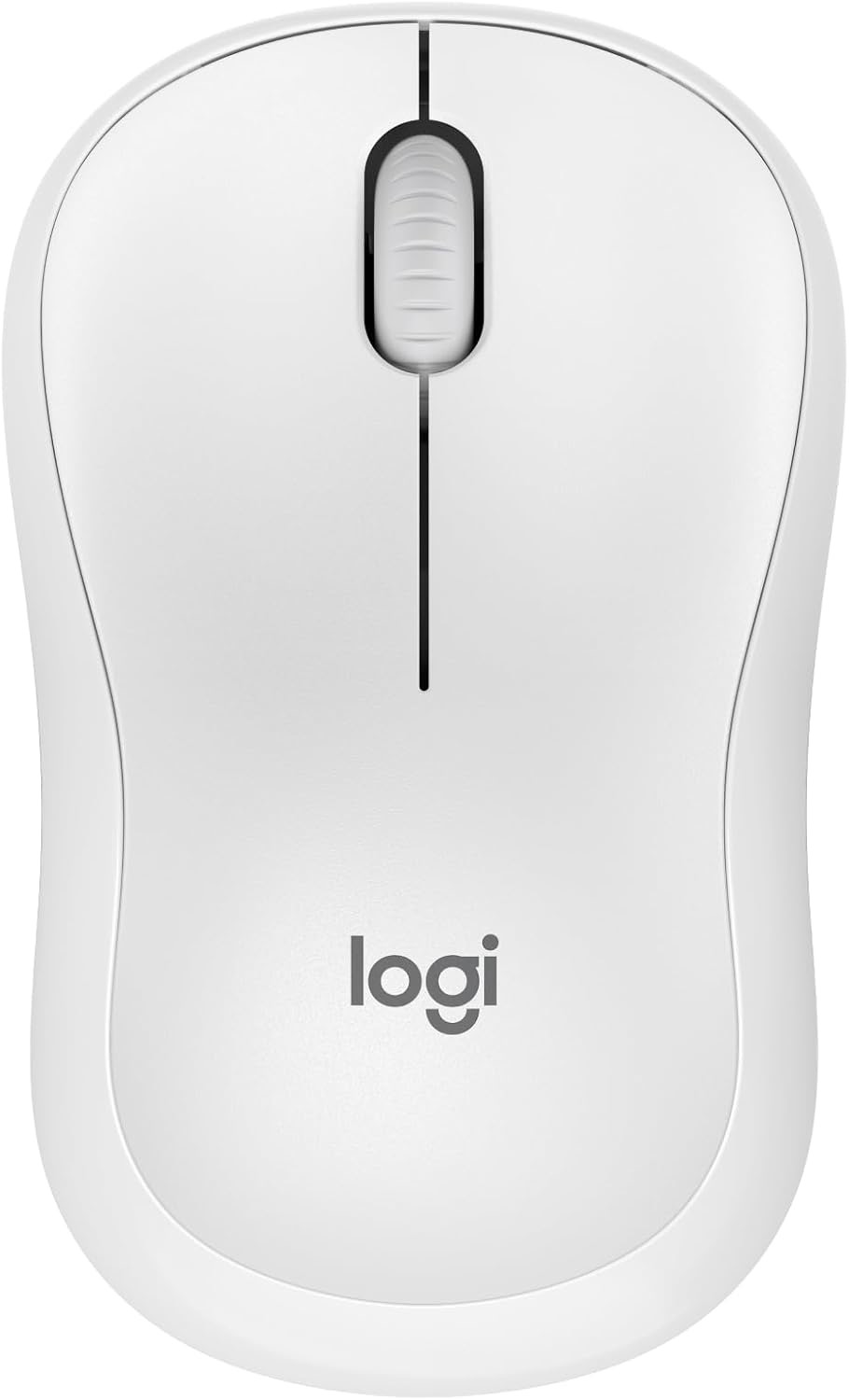
Every click feels intentional with the Logitech M240 Silent Bluetooth Mouse, bringing a quiet sense of control to every task. Connecting is instant, no dongles or extra ports needed, so it feels ready the moment it is picked up.
The silence is remarkable, reducing click noise by almost ninety percent while keeping that familiar tactile response. It transforms a busy workspace into a calm zone where focus comes naturally, letting work flow without interruptions.
Its compact, ambidextrous shape is made for comfort and convenience, slipping effortlessly into a bag for travel or fitting naturally in either hand. Even from across the room, the long-range Bluetooth connection keeps it responsive, giving freedom without compromise.
3. Logitech G305 Lightspeed Wireless Gaming Mouse
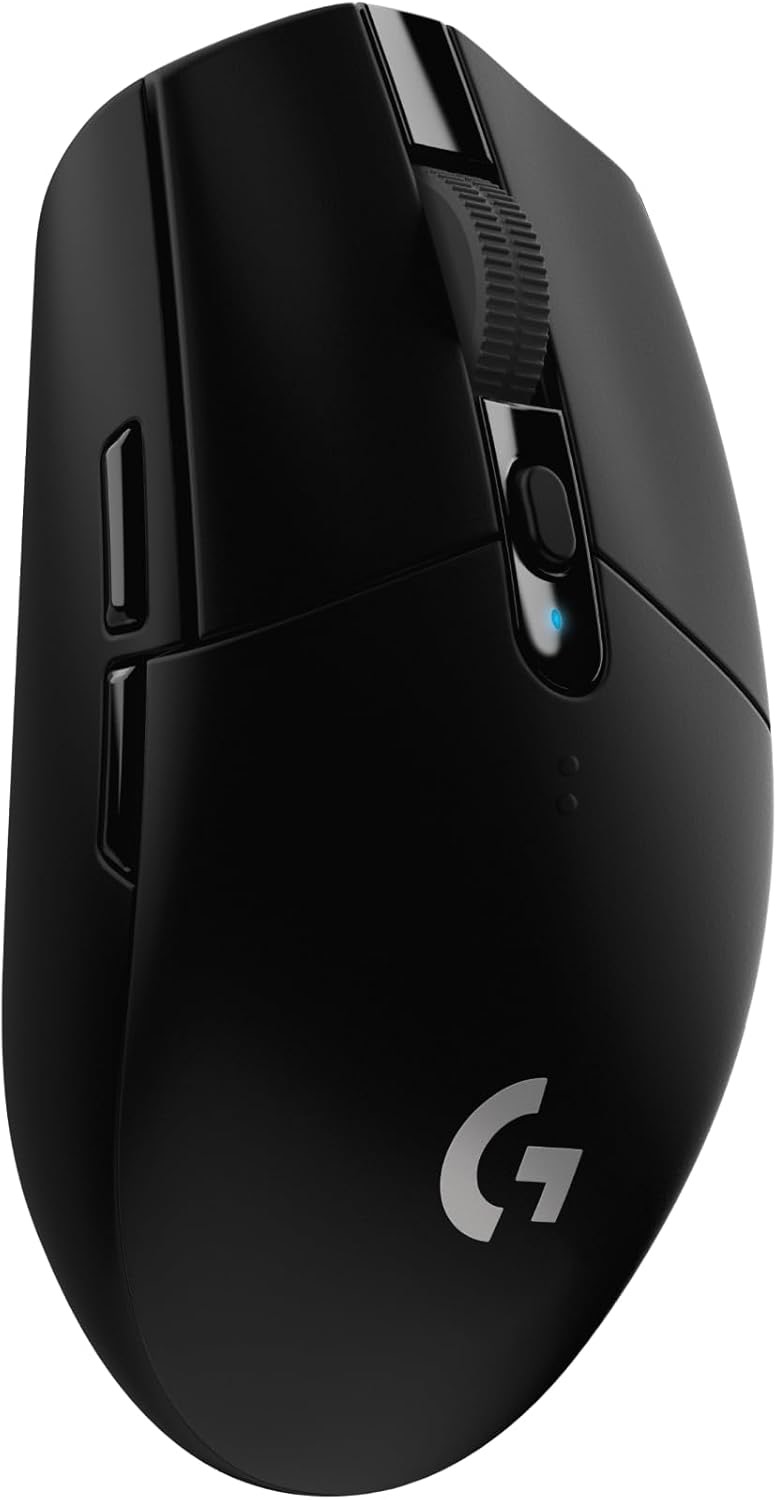
The Logitech G305 Lightspeed Wireless Gaming Mouse turns every move into precision. This Mac Neo mouse combines speed and portability, turning any setup into a place where performance meets freedom. The HERO optical sensor is engineered for speed and accuracy, tracking every flick and sweep with incredible detail, making even the fastest gameplay feel effortless.
One AA battery can power hours of continuous play, and with Endurance mode activated through the Logitech G HUB software, it stretches for months. This kind of longevity keeps focus on the game rather than constantly swapping batteries.
Despite its power, it stays light and nimble. At just over three ounces, the design allows for quick maneuvers and effortless control, perfect for long sessions or on-the-go gaming. The compact build includes a clever nano receiver storage, making it a practical companion for laptops and travel without adding bulk.
4. Logitech MX Anywhere 2S Bluetooth Edition Compact Wireless Mouse
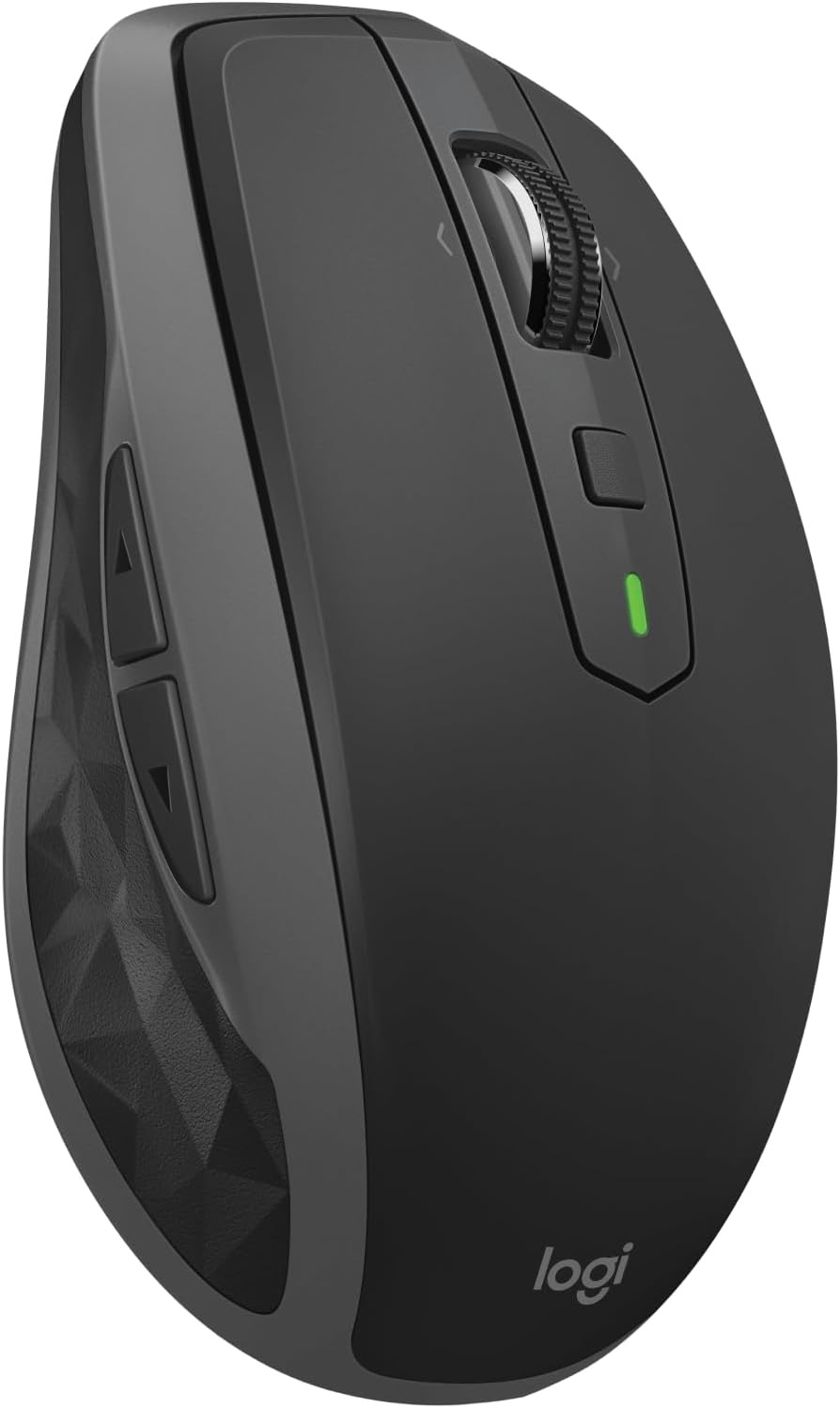
The Logitech MX Anywhere 2S Bluetooth Edition feels like it was made to go wherever work or creativity takes you. Its sleek, compact shape fits comfortably in the hand, turning long hours of scrolling, clicking, and navigating into something effortless rather than tiring.
Connectivity is simple and clean, relying solely on Bluetooth to pair instantly with devices, leaving extra dongles behind. The Darkfield High Precision tracking means every movement is smooth and exact, even on glass surfaces, and the ability to reach up to 4,000 DPI makes navigating detailed work or multiple screens a breeze. Scrolling through long documents or switching between click-to-click mode for precise movements feels natural and responsive, giving full control at the fingertips.
Logitech Flow takes it a step further, letting a single mouse seamlessly move across up to three computers, while copying text, images, or files between them becomes effortless. It is designed for flexibility and portability, making this a reliable, compact mouse for MacBook Neo that handles both work and travel with equal ease.
5. Macally Wireless Bluetooth Mouse for Mac
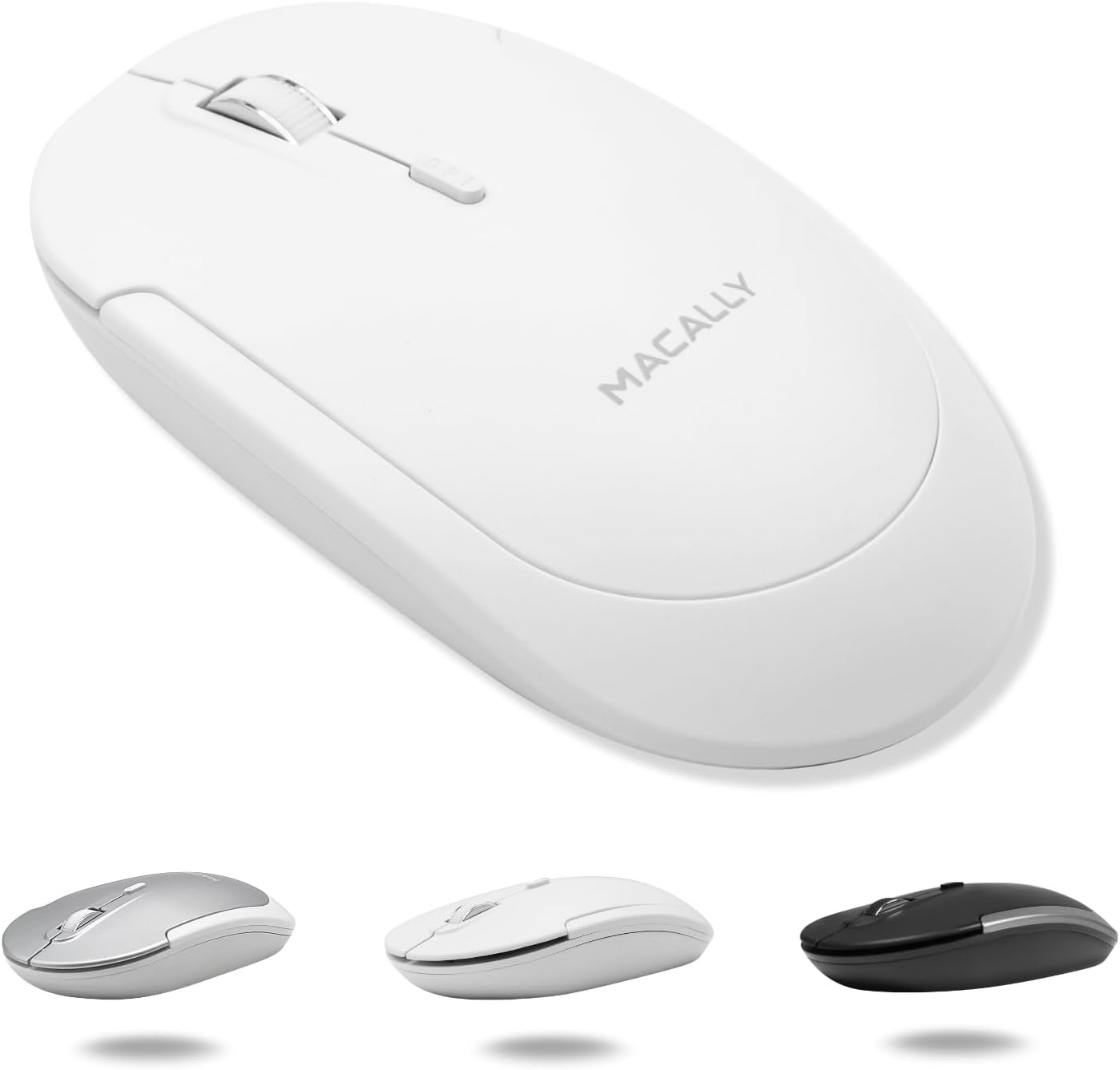
The Macally Wireless Bluetooth Mouse for Mac brings sleek minimalism and comfort to every workspace. Its ultra-thin design sits naturally in either hand, making long hours of clicking, scrolling, or navigating feel effortless rather than tiring.
Bluetooth connectivity is strong and reliable, letting the mouse stay responsive up to 30 feet away from the device. Quiet clicks keep distractions to a minimum, while precision tracking ensures every movement feels intentional.
The upgraded rechargeable battery adds a layer of convenience, powering the mouse for extended use and quickly topping up via the included USB-C cable. This rechargeable mouse for MacBook Neo combines comfort, quiet efficiency, and seamless connectivity into a device that enhances both productivity and workflow without getting in the way.
6. TECKNET Wireless Mouse
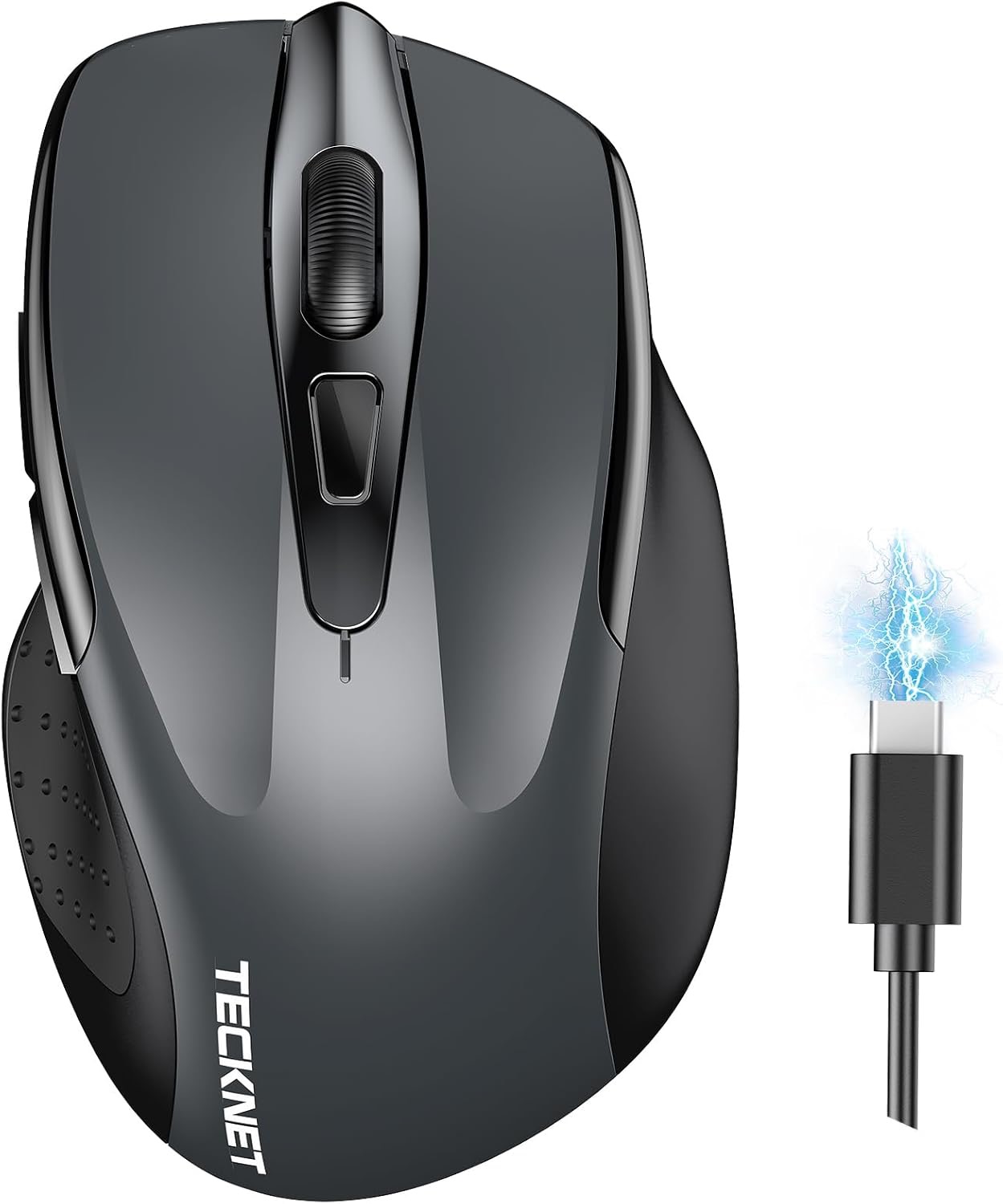
The TECKNET Wireless Mouse offers a seamless way to manage multiple devices at once. With dual connectivity through Bluetooth or USB-A, switching between two systems is effortless, letting work flow without pause.
Its rechargeable battery takes just a couple of hours to fully power the mouse and can last for months with regular daily use. Adjustable DPI settings put precision at the fingertips, whether tackling detailed work or navigating quickly across screens. The silent design keeps clicks quiet, creating a focused environment for any setting, from shared offices to libraries.
Compact and comfortable, it fits naturally in small to medium hands, while larger hands can still enjoy smooth control without strain. This Mac-compatible mouse blends convenience, precision, and quiet efficiency into a device that performs beautifully for everyday tasks.
7. TENMOS M18 Bluetooth Mouse
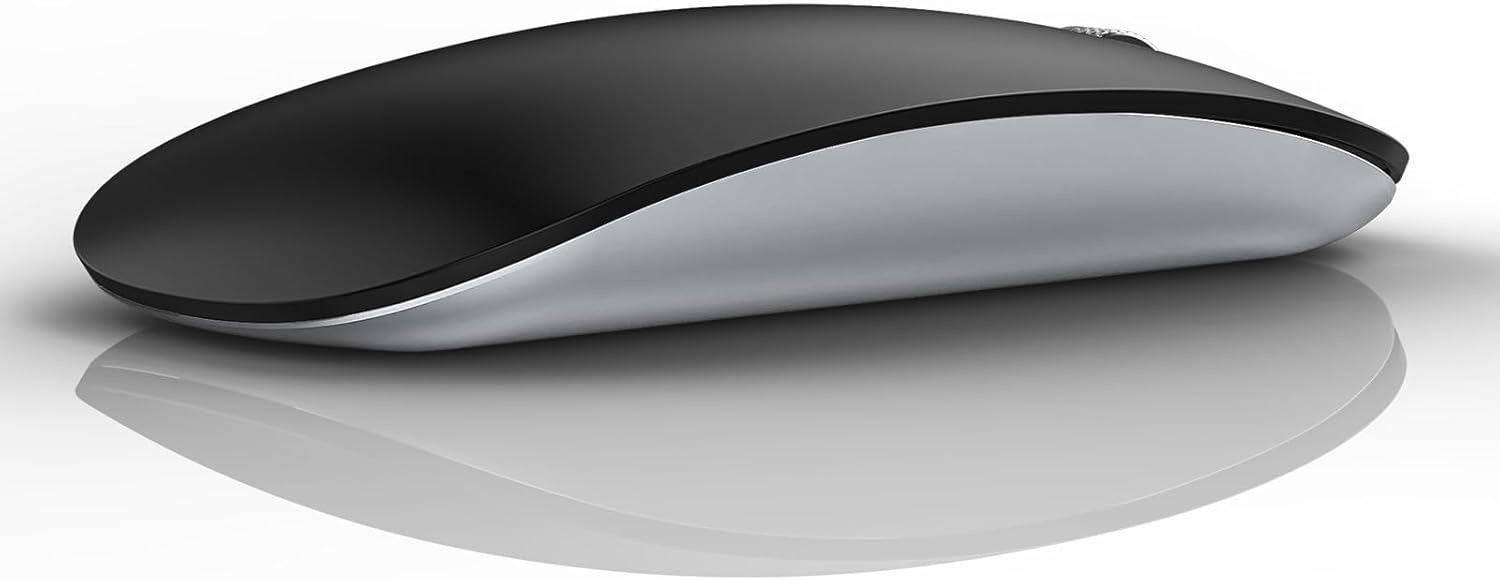
The TENMOS M18 Bluetooth Mouse brings convenience and versatility to any setup. With three connection modes, it can control up to three devices, making it simple to switch between a laptop, tablet, or phone with just a click.
Charging is fast and easy via the USB-C cable and built-in battery, while automatic sleep mode saves power when it is idle. Quiet clicks keep the workspace peaceful, letting focus remain uninterrupted. Compact, lightweight, and ultra-thin, it fits effortlessly into a laptop bag, ideal for travel or on-the-go work.
For those looking for a budget-friendly MacBook Neo mouse that doesn’t compromise on portability, quiet operation, or reliable performance, this model offers a smart and practical solution.
Conclusion
The right mouse can make the experience of using the MacBook Neo a lot better. It can make performing everyday tasks on the MacBook a lot more comfortable and fast. In this buying guide, we have featured a mix of productivity-focused mice that deliver the right features to users.
Take your time to choose one that fits your workflow and preferences, and you will notice the difference instantly.


