


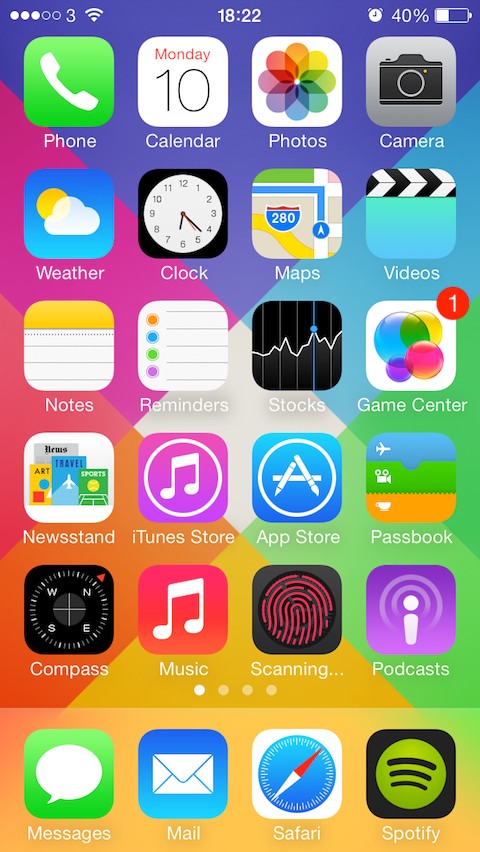
 Asphaleia is a new Touch ID tweak that allows users to protect their apps and folders. What makes this tweak different from previously available is the fact that it looks a lot better. The tweak is released by the A3tweaks team, which has previously released some great and good looking tweaks like Auxo, Anemo, Apex, Axis, and more. Asphaleia allows you to lock down your apps and requires your fingerprint to unlock.
Once your app is locked, you tap the app icon, an animated fingerprint scanning UI appears within the icon of the app. This is unlike all other similar tweaks that push a dialog box asking you to scan your fingerprint in order to get access.
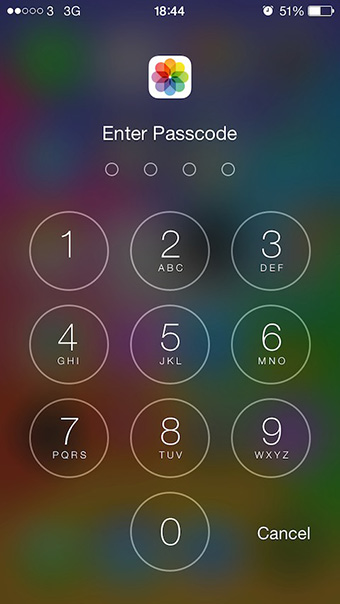
Besides Touch ID lock you can also choose the clean password method to keep your apps protected. The tweak maintains a list to enable you to manually select the apps you want to protect. You can assign an activator action to launch the tweak settings to quickly disable the security, or to remove apps from the list of secured apps.
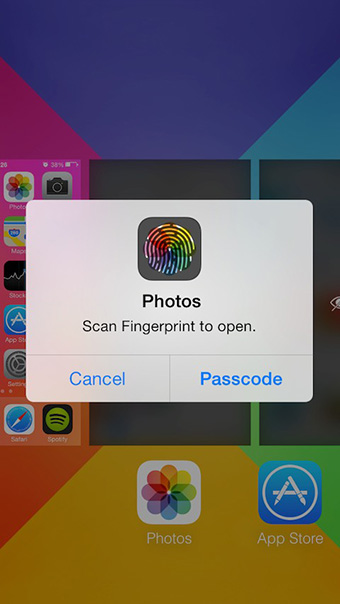
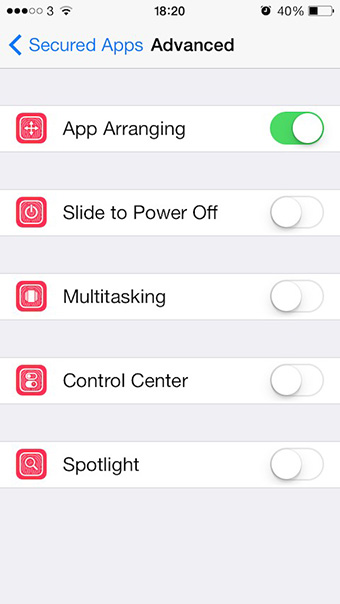
Another feature that makes Asphaleia different from other available options is that you can lock task switching so that no one can invade your privacy by seeing the thumbnails of the opened apps. Other features include locking Power off slider, App Arrangement, Control Center, and Spotlight search.
 Asphaleia is available at Cydia under BigBoss repo with a price tag of $1.99. But if you already own any security app like BioProtect, BioLockDown etc. then you can get it for just $0.99.


