


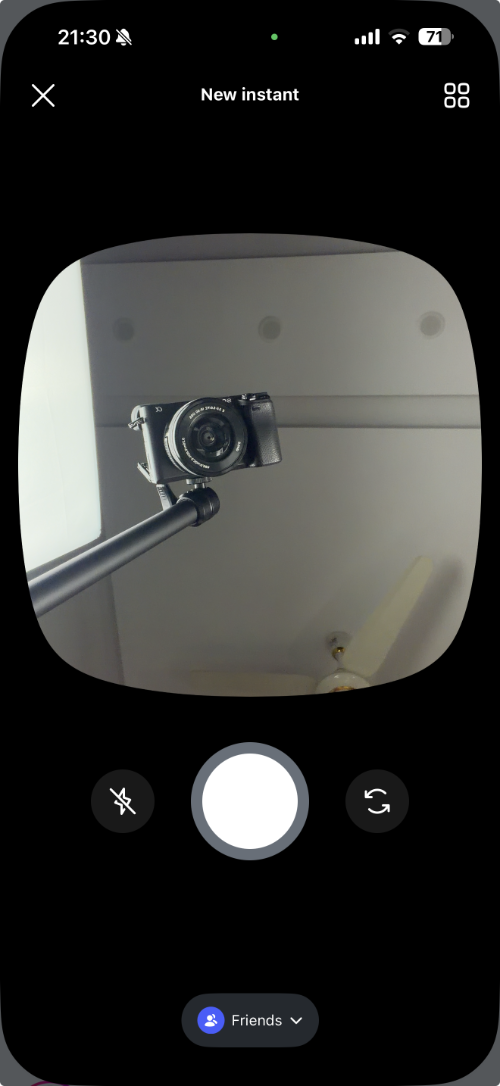
Instagram’s new Instant is a Snapchat-inspired feature that instantly sends the photo taken with your device’s front camera to all your Instagram friends or people in your close circle.
The Instagram feature sends the photo taken with the front camera to your friends as soon as you hit the shutter button, without even letting you preview the image first, which raises privacy concerns, especially when you end up using this feature accidentally.
Instagram Instant’s ‘+’ button annoyingly shows up in the messages, which makes sending an Instagram instant even easier.
Turn Off Instagram Instants on iPhone
Thankfully, you can hide the Instagram Instant button from your messages screen by following a few simple steps.
- To do this, simply launch the Instagram app and tap on your profile button from the bottom bar.
- Next, tap on the hamburger button in the top right corner.
- Now scroll down and tap on Content Preferences.
- Here you will find a toggle for Hide Instants in Inbox. Simply turn this toggle on.
As soon as you do this, the Instagram Instant button will disappear from the Instagram inbox page.


