


iPhone has a safety feature that lets you temporarily disable Face ID or Touch ID and require passcode whenever you are in a dangerous situation and need extra security fast.
This feature disables Face ID so no one can forcefully unlock your iPhone by putting the device in front of your face or scanning your fingerprint without your consent.
Disable Face ID in a dangerous situation
- Press and hold the side button and volume up or down button together until the power off screen appears. This disables Face ID. You can let go of the buttons.
- Continue holding if you want to access the Emergency SOS feature and want to notify emergency services and your emergency contacts about your location.
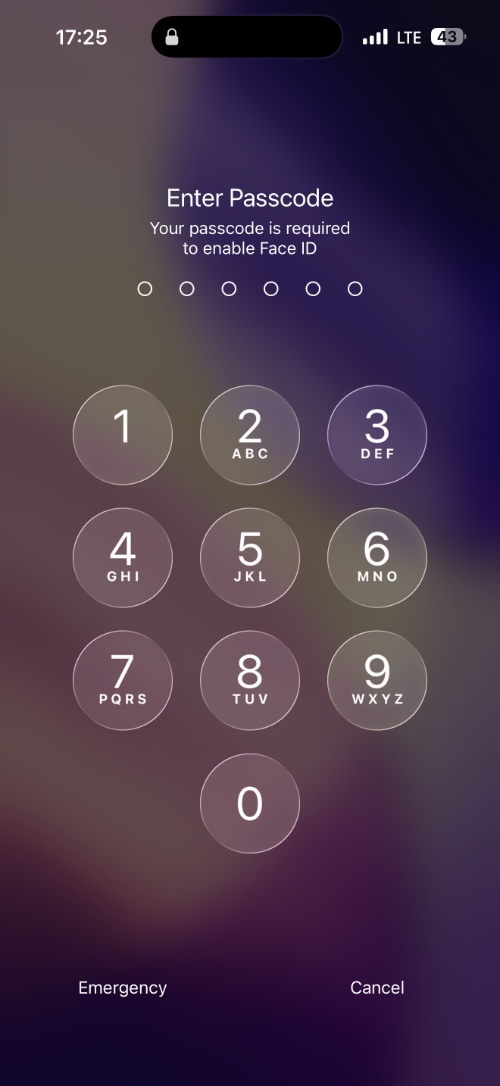
When you trigger the power off screen or the Emergency SOS feature, here’s what happens.
- iPhone disables Face ID or Touch ID and can only be unlocked with a passcode.
- It can alert emergency services if you choose to.
- It notifies your contacts that you are in a dangerous situation and shares your current location with them.
Found this tip useful? Share it with your loved ones so they know what to do if they are in a similar situation.
Disclosure: iOSHacker may receive a commission if you purchase products through our affiliate links. For more visit our privacy policy page.


