


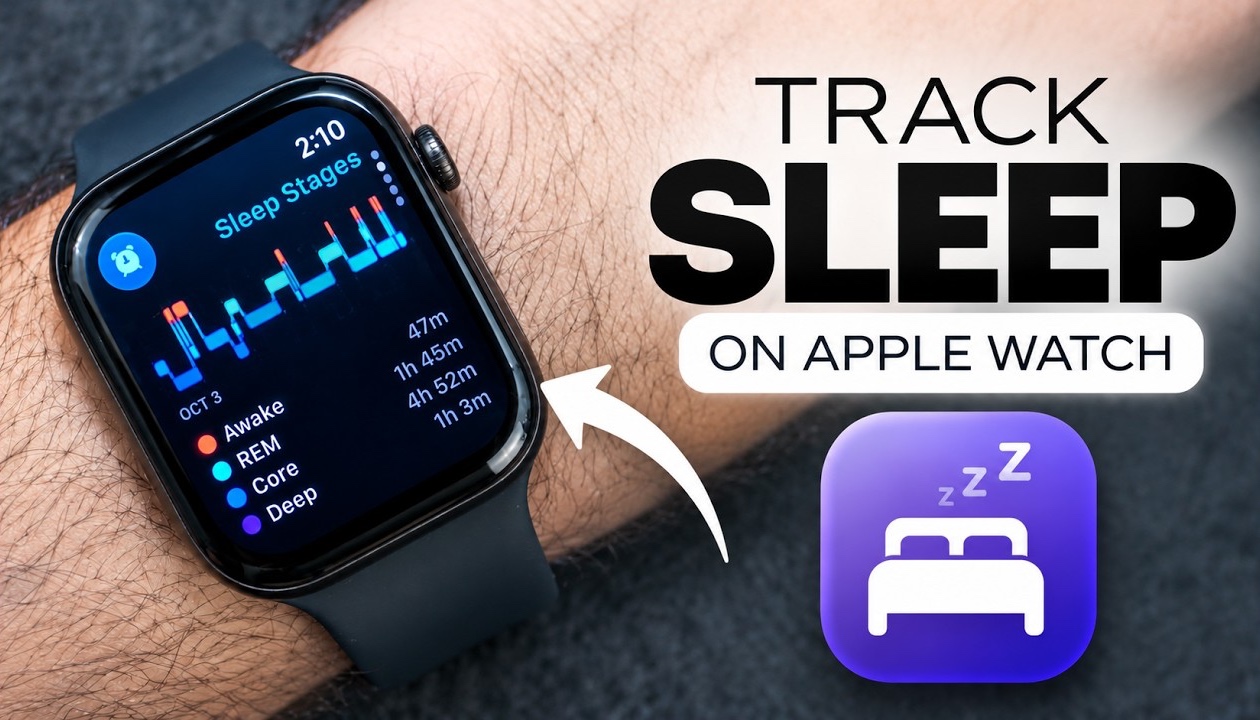
Apple Watch has a Sleep Tracking feature that lets you see how well you slept the next morning. Apple Watch can tell you the quality of your sleep, how many times you woke up and the duration you slept for along with useful information about sleep stages.
In this article, we show you how you can set up sleep tracking and how you can see your sleep data on your Apple Watch. We also show you how you can view your Sleep Score every morning.
Track Sleep on Apple Watch
- Wake up your Apple Watch and press the Digital Crown button.
- On the App Screen swipe up to access the Home Screen. Here tap on Settings.
- Now find and tap on the Sleep option.
- In the Sleep Settings page, make sure toggle for Sleep Tracking is enabled. Configure other Sleep related settings on this page if you need to.
- Now go back to the Home Screen and launch the Sleep app.
- In the Sleep app you can set up Sleep Schedule and configure other settings.
- Make sure your Watch has enough charge. Wear your Apple Watch while sleeping.
- When you wake up open the Sleep app on Apple Watch to see your Sleep Data.
Apple Watch uses its various sensors to track different sleep stages. When you wake up you can find information about your sleep along with your Sleep Score inside the Sleep app as well as in the Health app on your iPhone.
Here you will see Sleep Duration along with Sleep Stages including:
- Awake
- REM
- Core
- Deep
You can also view your sleep trends over time and see how your sleep schedule changes from day to day.
Also read: How to Check Daytime Vitals on Apple Watch Series 12 & Ultra 4


